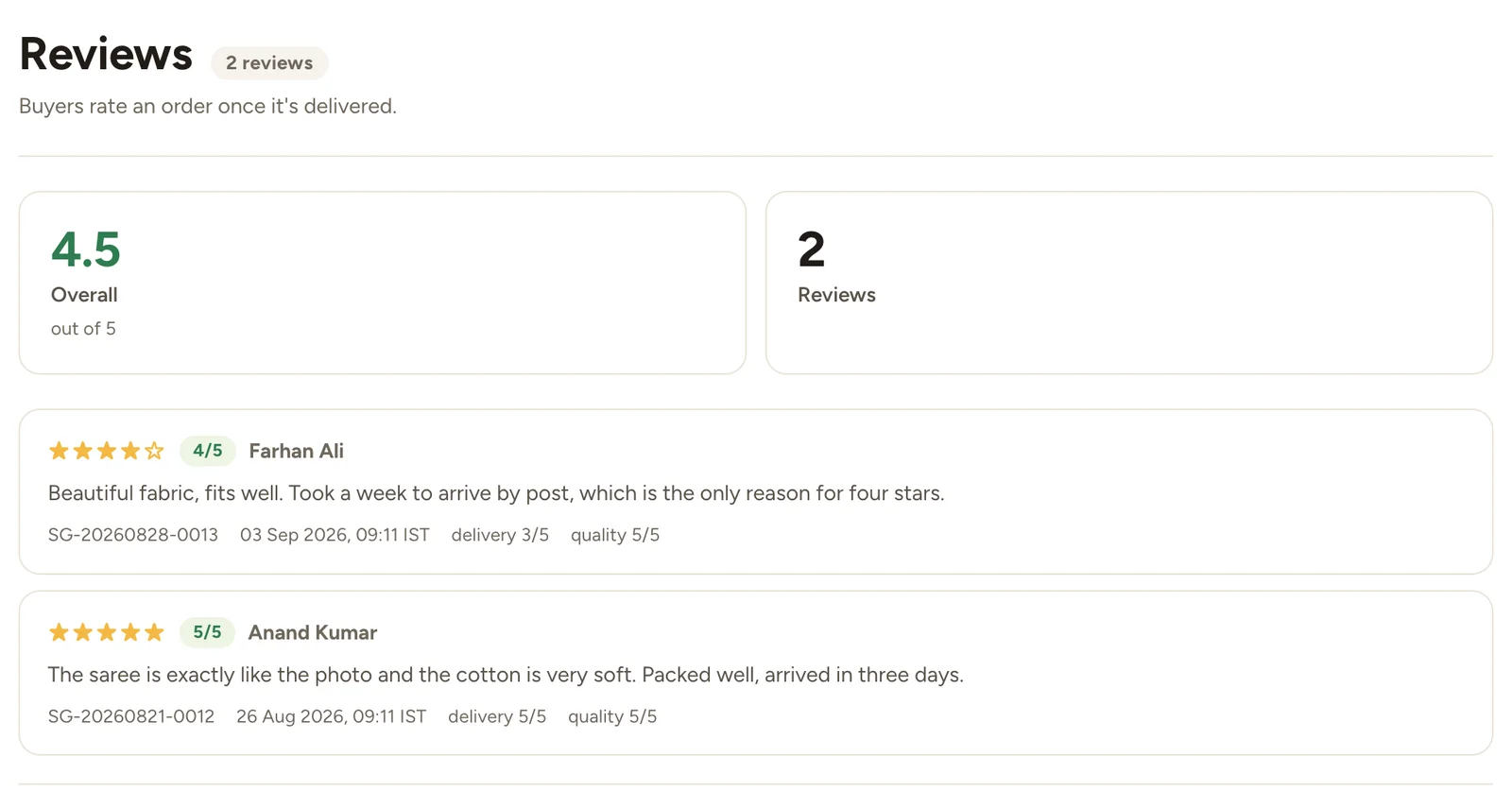
Once an order is delivered, the buyer can rate it on the website or in the Sagazo app: an overall score out of 5, and if they like, a score for delivery, one for product quality and a comment. A buyer can rate each order once. You see the ratings on the Reviews page, with your overall score and the number of reviews at the top, and the same score as Buyer rating on the Overview and Storefront pages.
What a review is about
A review is about the order as well as the product. A buyer who loved the saree but waited two weeks for it will say so in the delivery score. So the two things that lift your rating are the two things you control: sending quickly, and sending what the photo showed.
Each review is shown with the number of the order it was about, so you can look the order up on the Orders page and see what went right or wrong.
Where reviews are shown
Only you and Sagazo see reviews. They are not printed on your shop page or on your product pages. A buyer decides whether to trust your shop from the Verified badge, your About line, your photos and their own experience.
If a review is unfair
You cannot edit or remove a review, and a review cannot be reported. If a review contains abuse or someone's personal details, message us with the order number.
For an ordinary bad review, the useful move is to message the buyer about the order and put it right, for example by sending a replacement.