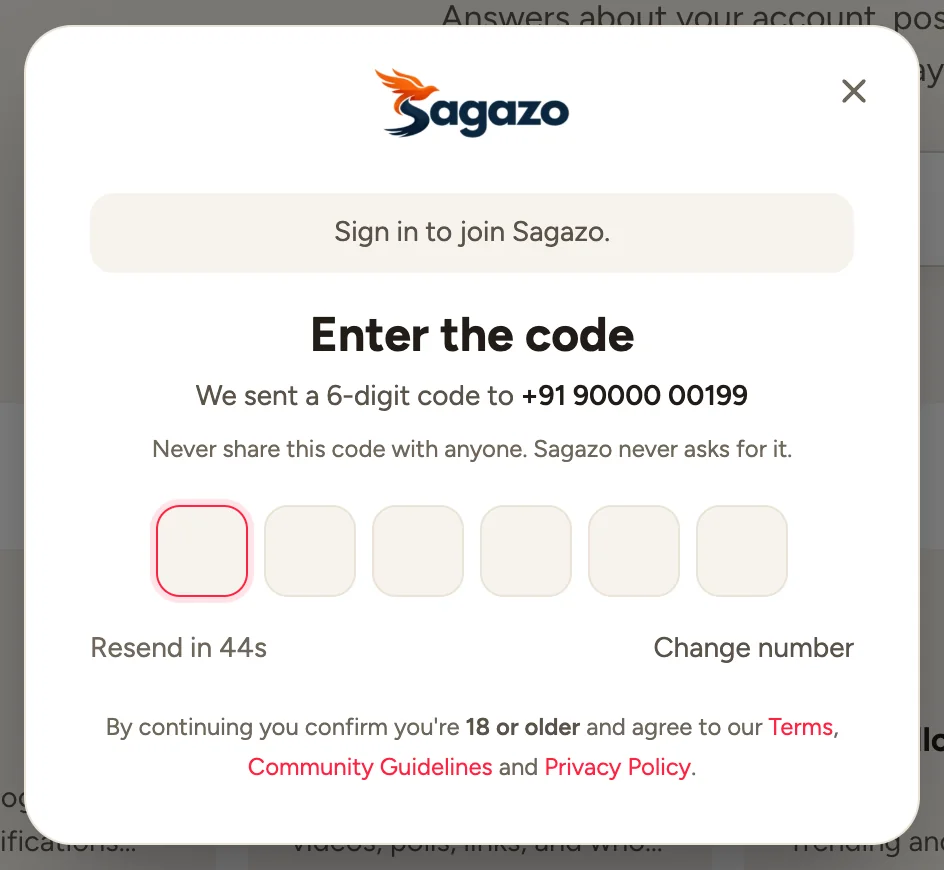
The code we send by SMS is the key to your account. Anyone who has it can log in as you, so never share it, whoever asks. Sagazo never asks for it, not on a call, not on WhatsApp and not in a chat on Sagazo.
Never share these
Never share your login code, your password, your UPI PIN or your card details. Sagazo never asks for any of them. Someone who does is trying to get into your account or your bank account, so report them. See Reporting something.
Choose a good password
Use at least 8 characters, with a capital letter and a number, and don't use a password you use anywhere else. A short sentence that only you would think of is easier to remember than a jumble of letters.
Log out on a shared phone or computer
- On the website: press Log out at the bottom of the menu.
- In the app: press Log out in the menu, or at the bottom of Settings.
Logging out of a browser also turns off Sagazo's notifications in it.
How Sagazo protects your account
- A code works for 10 minutes, and it stops working after 5 wrong tries.
- Only 5 codes can be sent to one number in an hour.
- Too many wrong passwords make you wait before you can try again.
- We store passwords and codes scrambled, so not even our team can read them.
If you think someone else got in
Change your password straight away (see I forgot my password for where), then write to Sagazo support. We can log your account out on every phone and computer. Do the same if you lose a phone that is logged in to Sagazo.