Turn off Public Profile in Settings and only you can open your profile page. Everyone else, your friends included, sees a page saying it isn't there.
Turn it on or off
- On the website: open Settings, then the Privacy tab, and switch off Public Profile. The line under it changes to "Only you can see your profile".
- In the app: open Settings and switch off Public Profile, under Privacy.
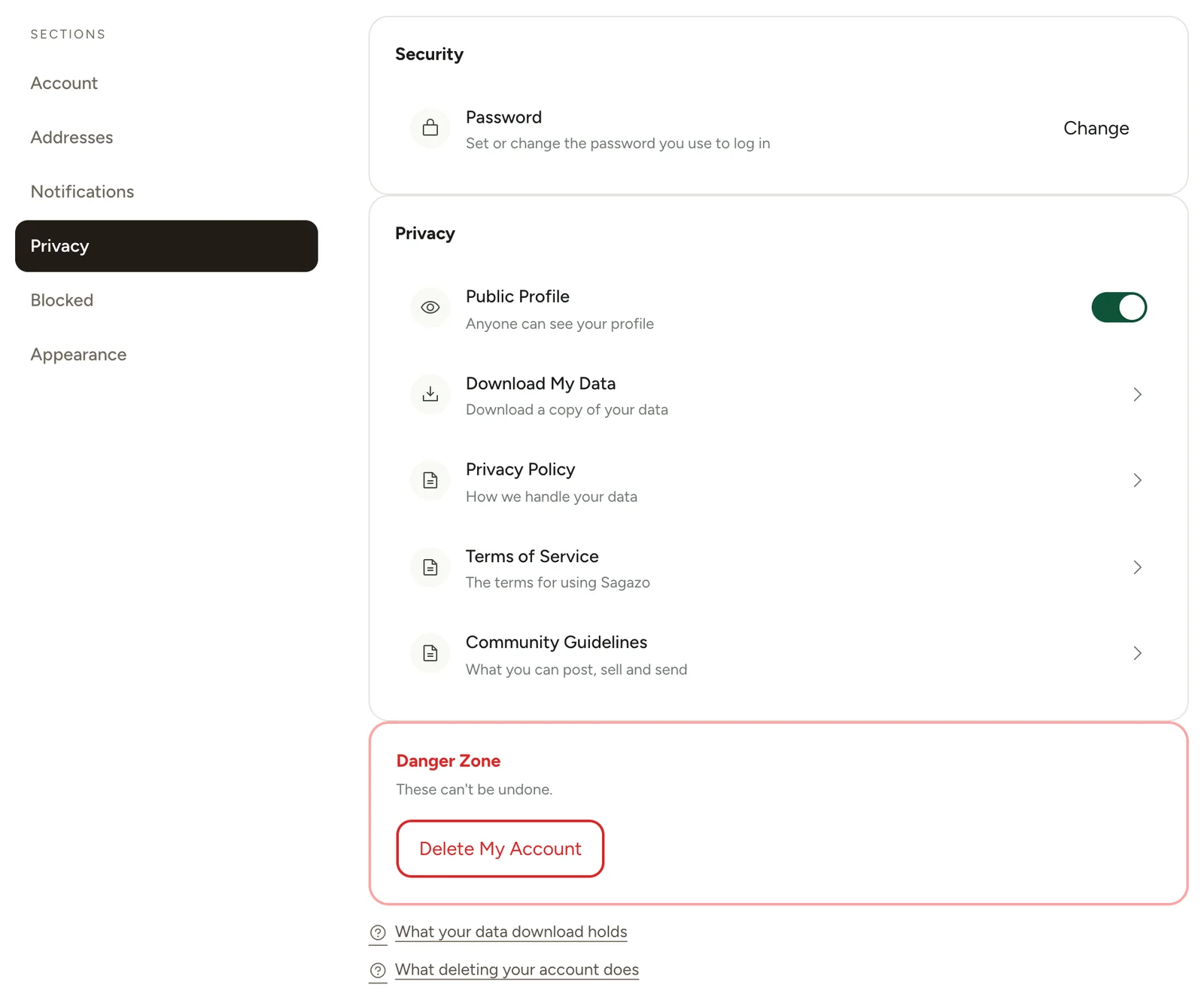
Switch it back on whenever you like. Nothing is lost while it is off.
What other people can still see
A private profile hides the page, not everything you do on Sagazo.
- Your posts keep their own setting. A public post still shows in Discover, Following and circles, with your name on it. Pressing your name leads to the page that isn't there.
- Your comments, your place in a circle's member list, and your messages in chats you are part of.
Search doesn't find you, and your name doesn't come up when someone types @ to mention a person. Your friends can still find you when they start a new chat.
Keeping a post to yourself
That is a separate choice, made on each post. When you write a post, a switch on it reads Public or Only me. A post set to Only me is yours alone: nobody else can open it, even with its link.