To pause your shop, use the open and closed switch at the top of the console. While it reads Closed, buyers cannot place orders with you. To close it for good, message us, or delete your Sagazo account. Which one you want depends on whether you will be back.
Pausing
For a holiday, a festival rush at home, or a week with no stock:
- Press the switch at the top of the rail so it reads Closed. The rail, and the switch with it, shows on a computer or other wide screen, not on a phone. Buyers can no longer place orders, and your shop leaves the shops directory and shop search.
- If you also want your products off category pages, the Shop page and the feed, mark them out of stock: on the Products page, press Select all, then Out of stock, one page at a time.
- Send anything still in your To send tab before you go, or message those buyers to say when it will leave.
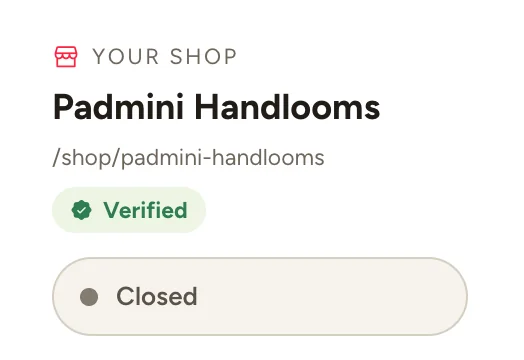
When you are back, press the switch so it reads Open, and if you marked products out of stock, select them and press Back in stock. Nothing else changes: your products, photos, reviews and customers are all as you left them. See pausing your shop with the open and closed switch.
Closing for good
There is no Close shop button. Message us from the account the shop is on, say you want the shop taken down, and we will remove it. Send any orders still waiting first, because a buyer who paid is owed their parcel whatever happens to the shop.
You can also delete your whole Sagazo account from account settings. That erases your personal details, and the shop goes with it. Your posts, comments, messages and the circles you created stay, shown as [deleted user]. It cannot be undone, and it is more than most people want, so message us first if all you want is the shop gone.
What stays
Orders are a record between you and a buyer, so past orders are kept for the buyer's history even after a shop is closed, with your name replaced. Nothing you sold disappears from a buyer's order page.