The Settings page holds the things about your shop that rarely change, in four panels. Each panel has its own Save button, so you can change one thing without touching the rest.
Shop
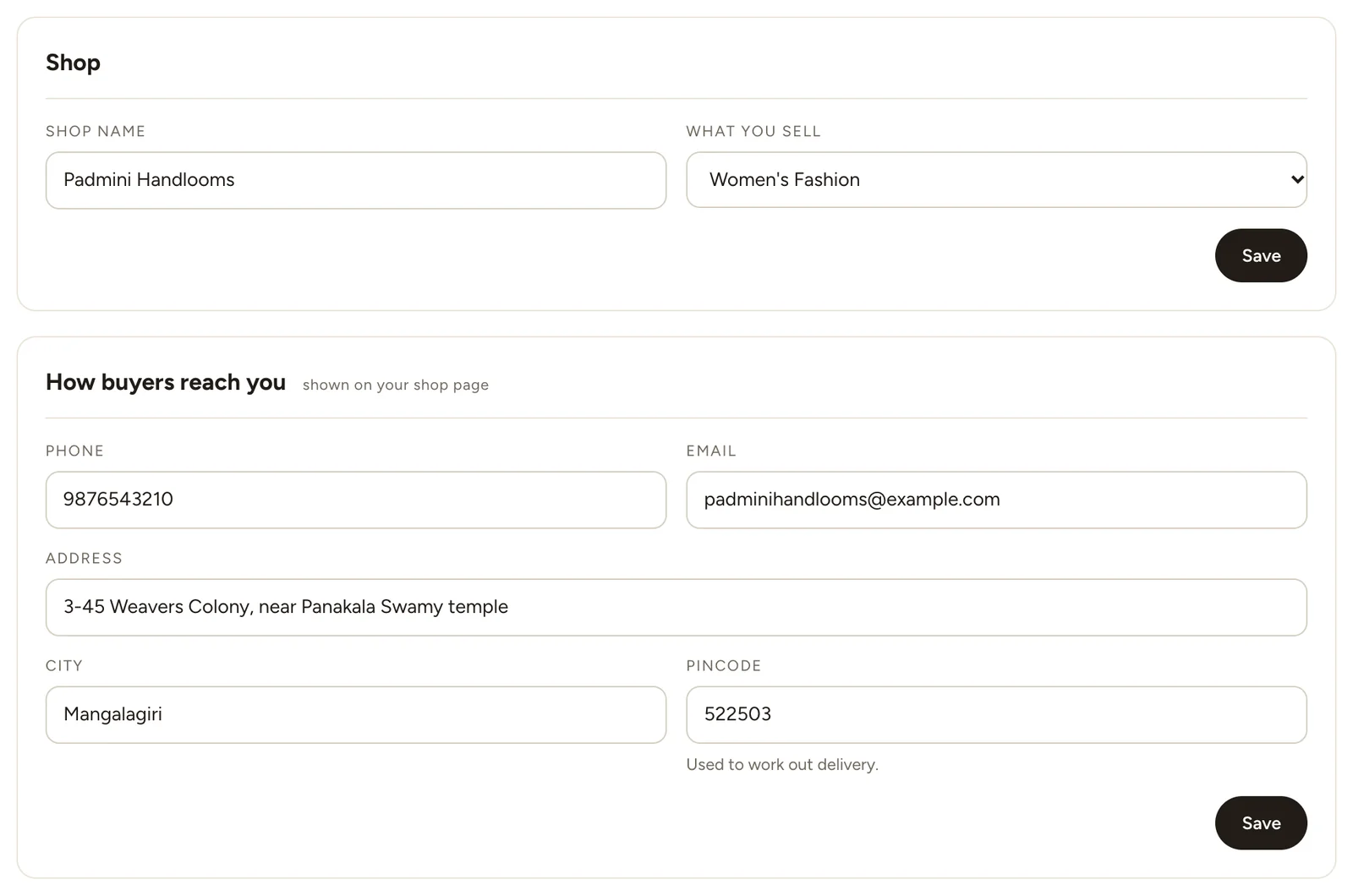
This panel has your shop name and What you sell. The name is the one buyers see everywhere: on your shop page, on each product, in the feed and in search. Changing it takes effect at once, but your shop link stays the same. See your shop link. What you sell is your shop's main category, shown under the name on your shop page.
How buyers reach you
This panel has your phone, email, address, city and pincode. These are used for orders and for couriers. The pincode here is used to work out delivery, unless you set a separate pickup address. None of it is printed on your shop page today; a buyer who wants to reach you presses Message on the page.
Tax
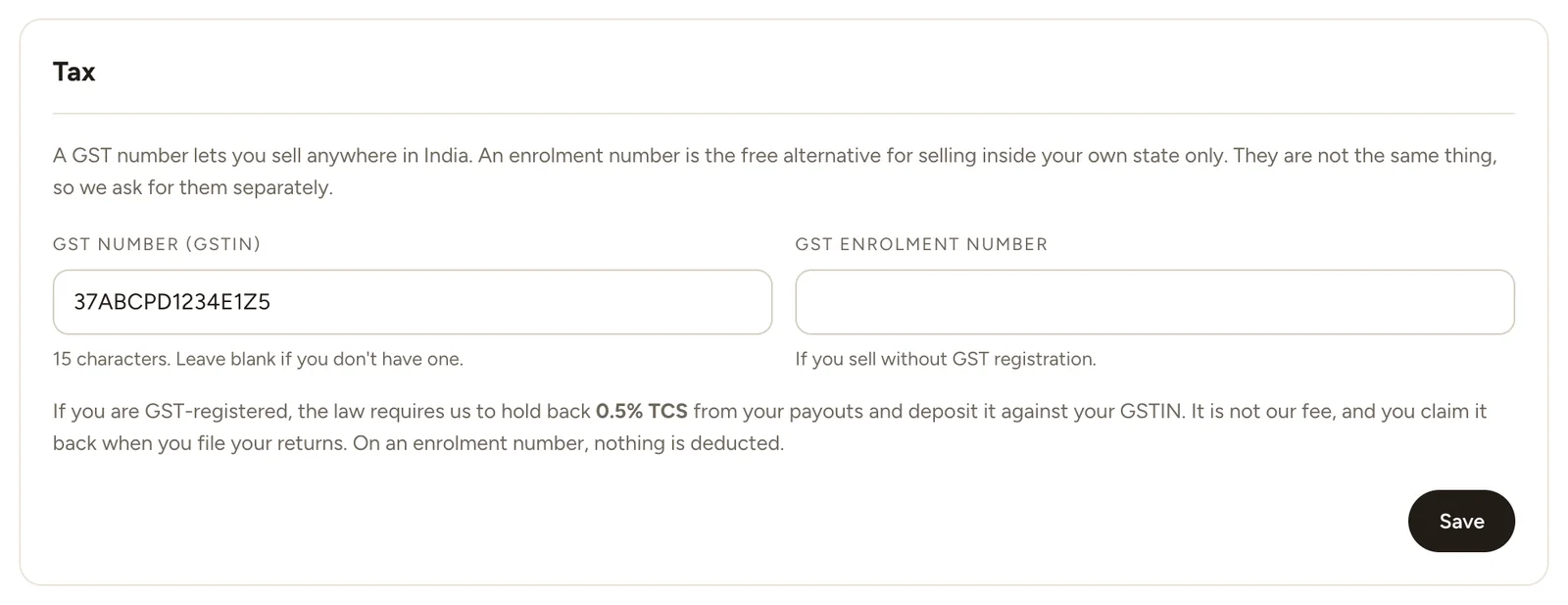
This panel has your GST number, if you have one, or your GST enrolment number. Leave the one you do not have blank. See GST number or GST enrolment number.
Pickup address
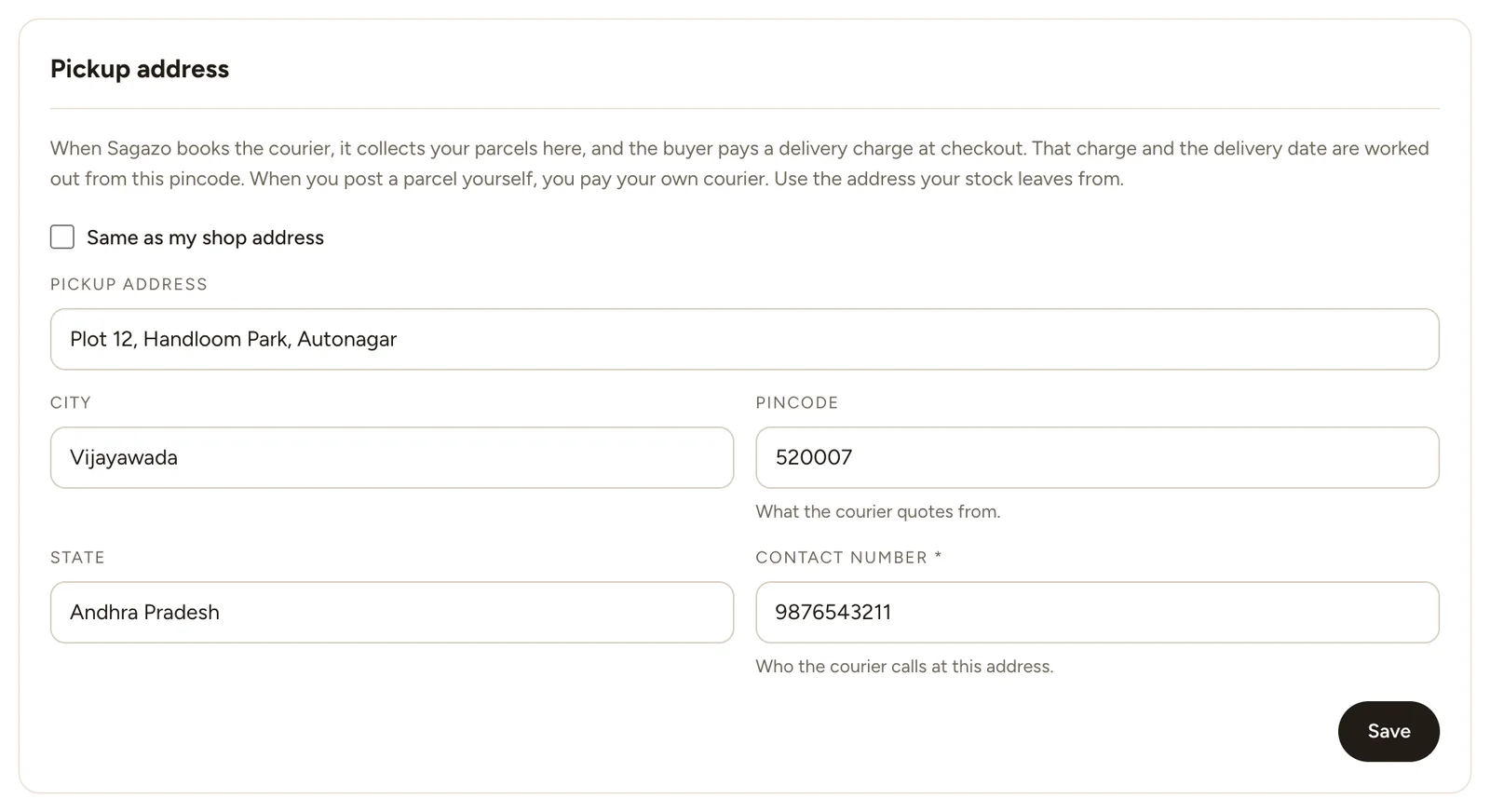
This panel is for where parcels leave from, if that is not the shop address. See pickup address.
What is not here
Your bank details are not here, because payments are not open yet; see when and how you get paid. Your banner, About line and opening hours are on the Storefront page. The open and closed switch is at the top of the rail on every page when you use a computer, because a phone hides the rail; see pausing your shop.
Your own name, phone number and password for signing in belong to your Sagazo account, not the shop, and live in your account settings.