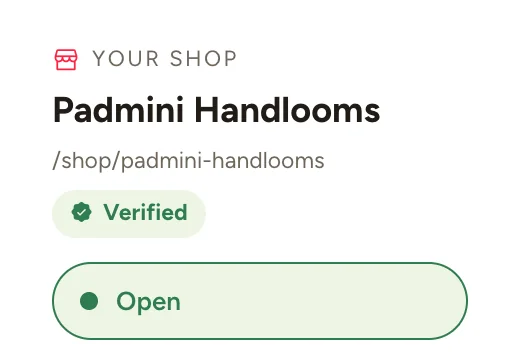
The switch at the top of your shop rail marks your shop Open or Closed. It is at the top of the console, not in Settings, because it is a daily thing: you close up for the evening or for a trip, and you open again when you are back. The rail, and the switch with it, shows on a computer or other wide screen, not on a phone.
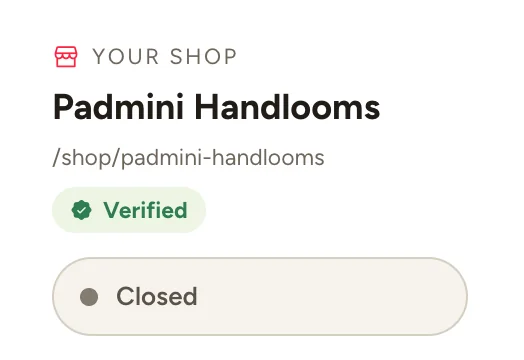
What Closed does today
Closed takes your shop out of the shops directory and out of shop search, and your storefront preview in the console shows Closed right now. Your shop page and your product pages stay reachable by their links.
Closed also stops new orders. Your products still show in product search, on category pages, on the Shop page and in the feed, and a buyer can still add them to the cart, but checkout refuses the order and says your shop isn't taking orders right now. If you also want your products off category pages, the Shop page and the feed while you are away, mark them out of stock. Changing stock for several products at once has the steps.
What buyers see
While you are closed, a buyer who searches for your shop will not find it. A buyer who opens your link sees the shop as usual and can add products to the cart, but cannot place the order until you are back. A product you marked out of stock still shows on the page, but its Add to cart button is off.
Switching back
Press the switch again. It reads Open and your shop is back in the directory within a moment.