Every product on Sagazo needs a category and a subcategory. The category is the main one, such as Women's Fashion. The subcategory is the more exact one under it, such as Sarees or Kurtis & Kurtas. Together they decide which browse pages the product appears on. A buyer who opens the Sarees page is looking for a saree, and that is where yours should be.
Picking them
On the product form, choose the Category first. The Subcategory list then shows the subcategories under it. Choose the one a buyer would look in, not the one that sounds grandest. A cotton dupatta goes under Dupattas, not under Sarees because it is cotton.
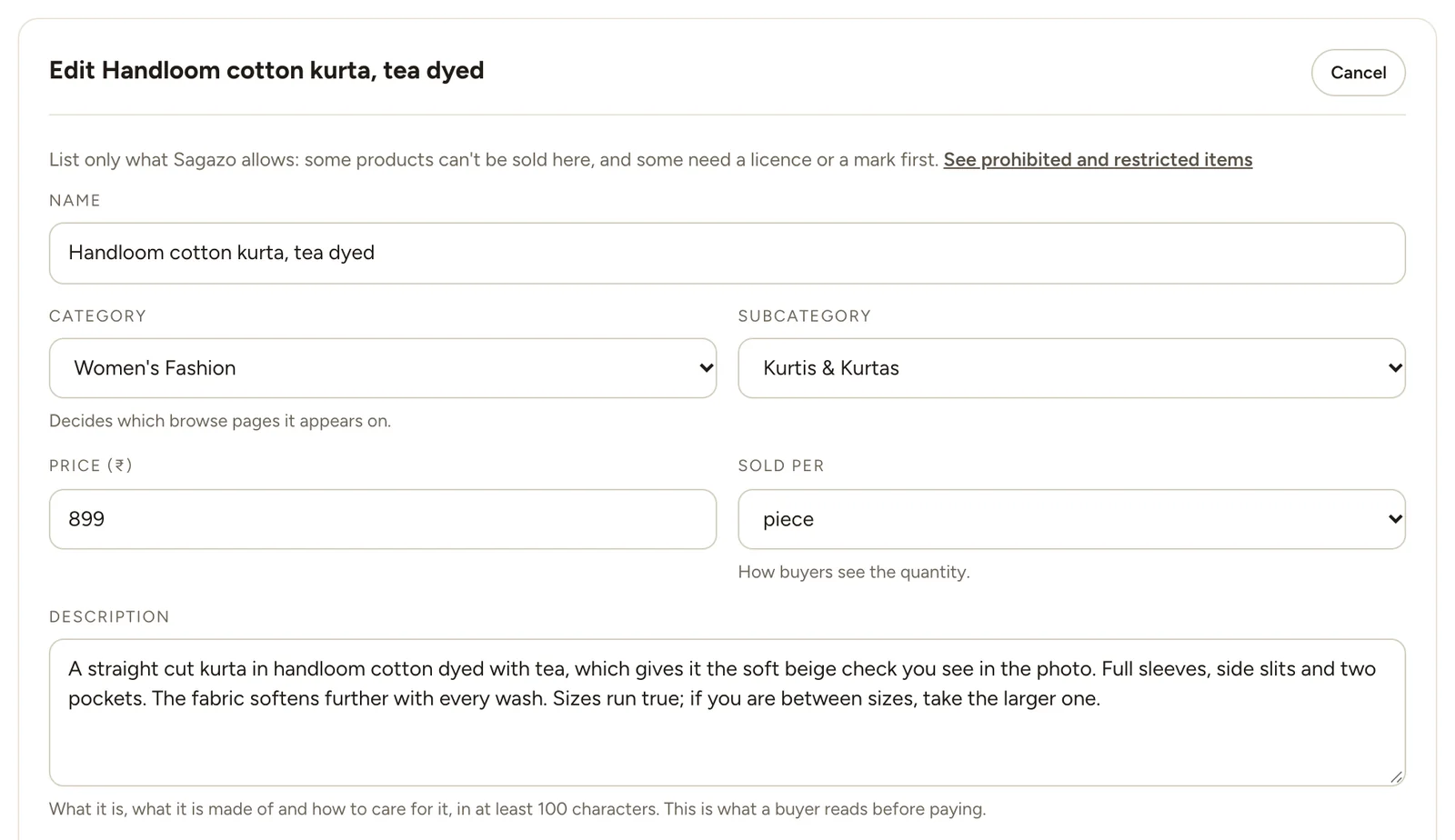
The product can't be saved until both are chosen. If nothing fits exactly, choose the closest one. If your products keep falling between categories, message us and tell us what you sell.
Changing it later
Edit the product and choose a different category or subcategory. It moves to the new browse pages at once. The product's web address does not change.
A product added before both were needed may have no category yet. When you next edit it, the form asks you to choose one. Our team can also choose one for it, and you can change that whenever you edit the product.
Where products show up
A product appears on your shop page, on its category and subcategory pages, on the Shop page and in the home feed, and in search. Search looks at its subcategory as well as its name.