Notifications show what happened while you were away: reactions and comments on your posts, friend requests and new followers, news from your circles, and decisions about your account. The switches in Settings decide which of these alert you on your phone or in your browser.
Where to find them
- On the website, press the bell at the top of the page. Its number is how many you haven't read, and opening the page marks them all read.
- In the app, tap the bell at the top of Home. The list there is called Alerts, and you can filter it to reactions, follows or comments.
A friend request has Accept and Decline right in the list.
What each switch does
On the website, open Settings, then Notifications. In the app, open Settings, then Notification Preferences. Every switch for a kind of notification is on until you turn it off.
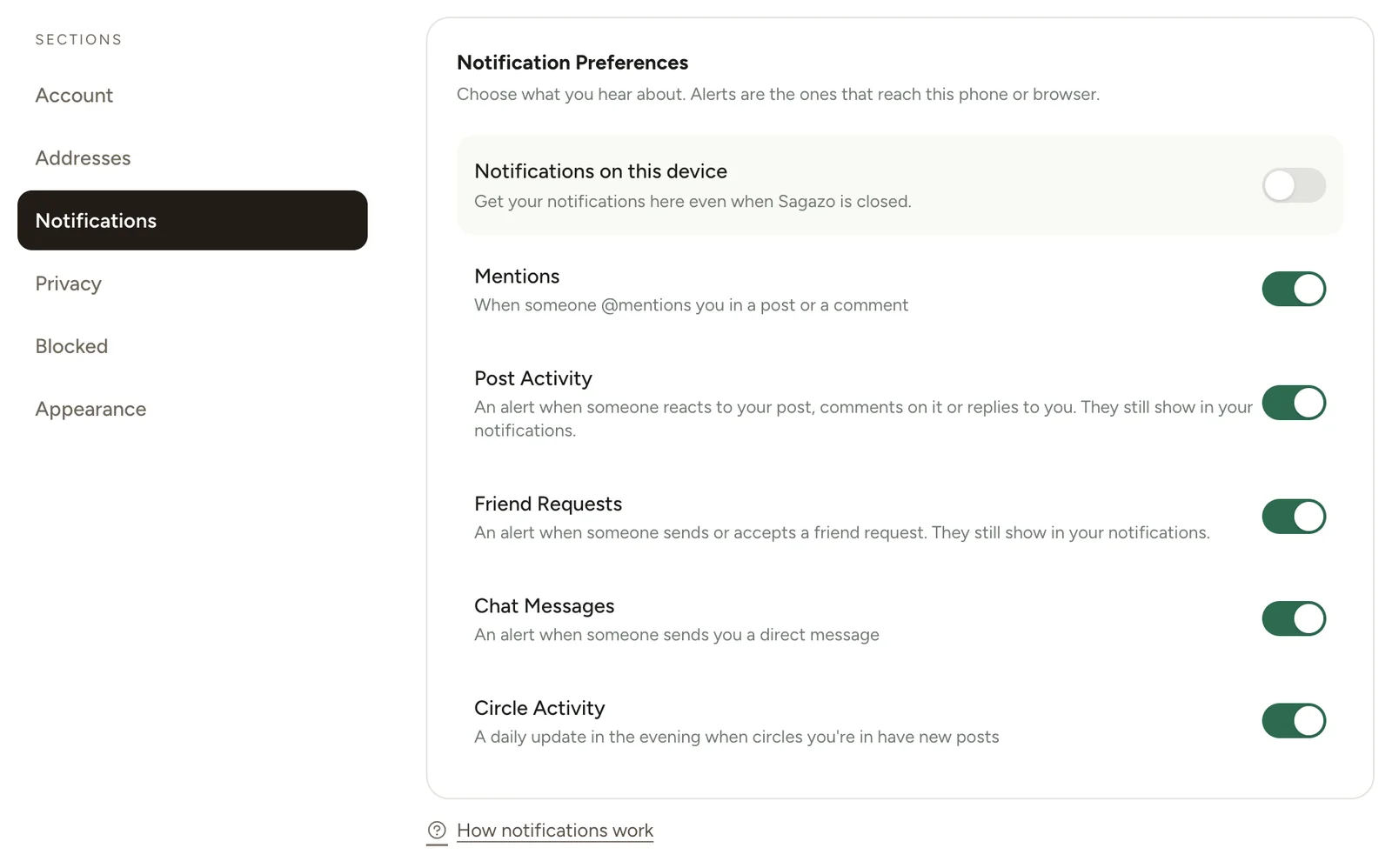
- Mentions is for when someone @mentions you in a post or a comment. With it off, a mention sends you nothing at all. One post or comment notifies at most 10 of the people it mentions.
- Post Activity covers reactions and comments on your posts, and replies to your comments. With it off, they still show in your notifications, but they don't alert you.
- Friend Requests covers a friend request someone sends you, and one of yours that someone accepts. With it off, they still show, without an alert.
- Chat Messages sends an alert for each direct message. With it off, your messages wait in Chat as usual. Messages in a circle's chat never send alerts.
- Circle Activity is a daily update at 6 PM, India time, when circles you are in have new posts by others. With it off, the update stops for every circle.
To stop the daily update for one circle only, open the circle, press Member beside its name, and choose Mute this circle. To silence one chat, choose Mute in that chat's three-dot menu.
The ones without a switch
New followers, order updates, what we decided about something you reported, answers to your complaints, decisions about your account and our notices about the rules always reach you. So do requests to join a circle you run, a circle approving your request to join, and being made a circle's admin.
Alerts on your phone or computer
An alert is what reaches your screen when Sagazo is closed. The app asks your phone for permission when you log in. On a computer or a phone's browser you turn them on yourself: see Notifications in your browser. To stop alerts on one device without changing your switches, turn off Notifications on this device in Settings.