Press Message buyer on an order to open a chat with that buyer. It is at the top of the order page, and again under the delivery address. The chat opens on the Chat page, and everything you and the buyer say to each other about any of their orders stays in that one thread.
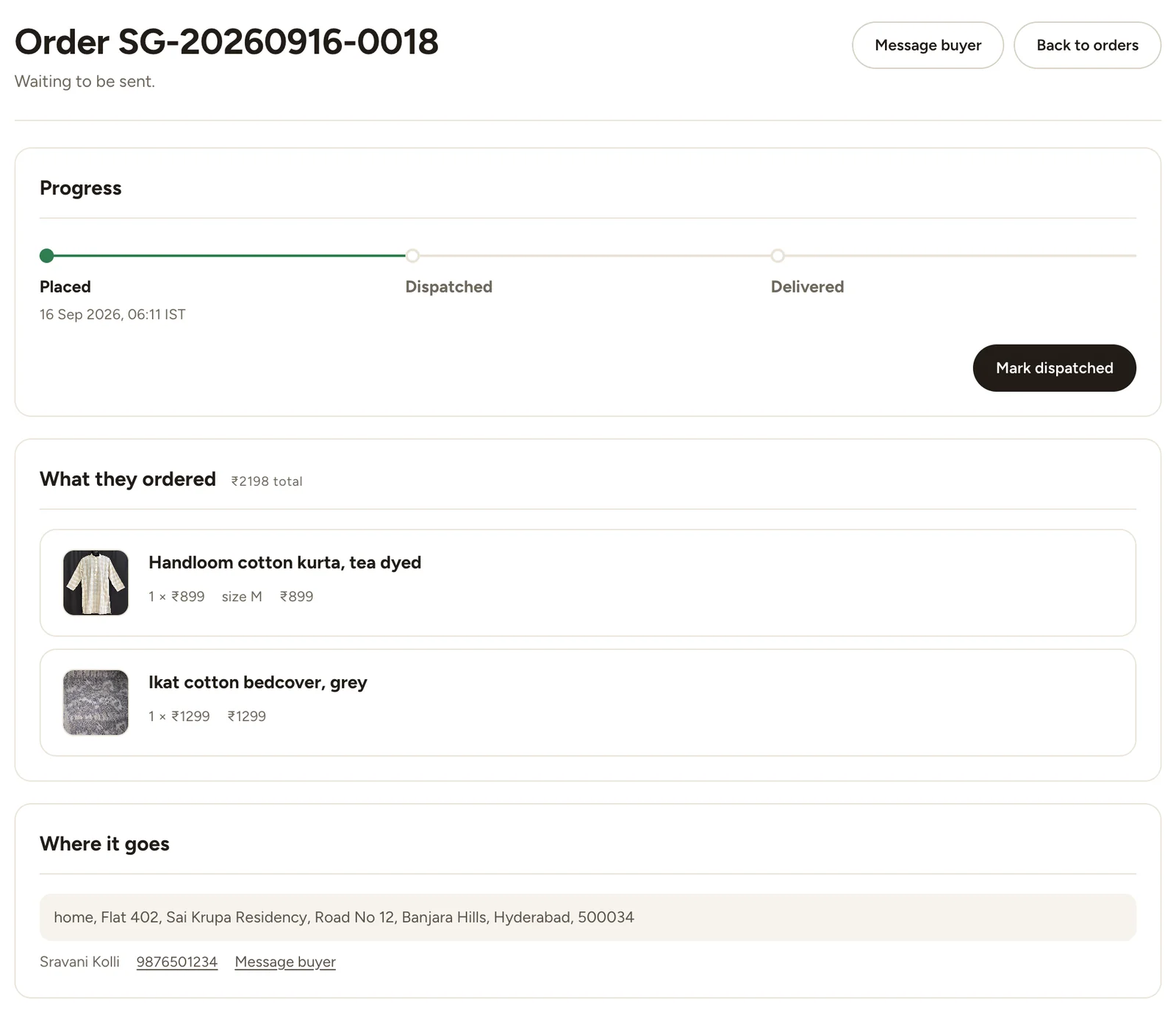
The buyer has the same button on their side: their order page shows Message followed by your shop name. So a buyer with a question comes to you the same way, and you see it in Chat, where the unread count lights up in the rail.
What to use it for
- The address is unclear or the phone number does not connect.
- An item is out of stock after all and you want to offer a swap before sending.
- The parcel has been delivered and the buyer has not confirmed.
- The buyer asked for something, a gift note, a size change, and you want to check before packing.
Keep it about the order. The thread exists because you and the buyer share an order; it is not for sending offers to people who bought once.
Where to find old chats
Open Chat. Every buyer you have written to is there, under the name on their Sagazo account: a first name and the first letter of the last, such as "Asha K.". It can differ from the name on the order. There is no separate inbox for the shop; your shop's messages and your own are one list.
Phone and WhatsApp
The buyer's phone number is on the order for the courier label. Using it for a delivery question is fine. Prefer the chat for anything you might need to refer back to, because it is on the record next to the order.