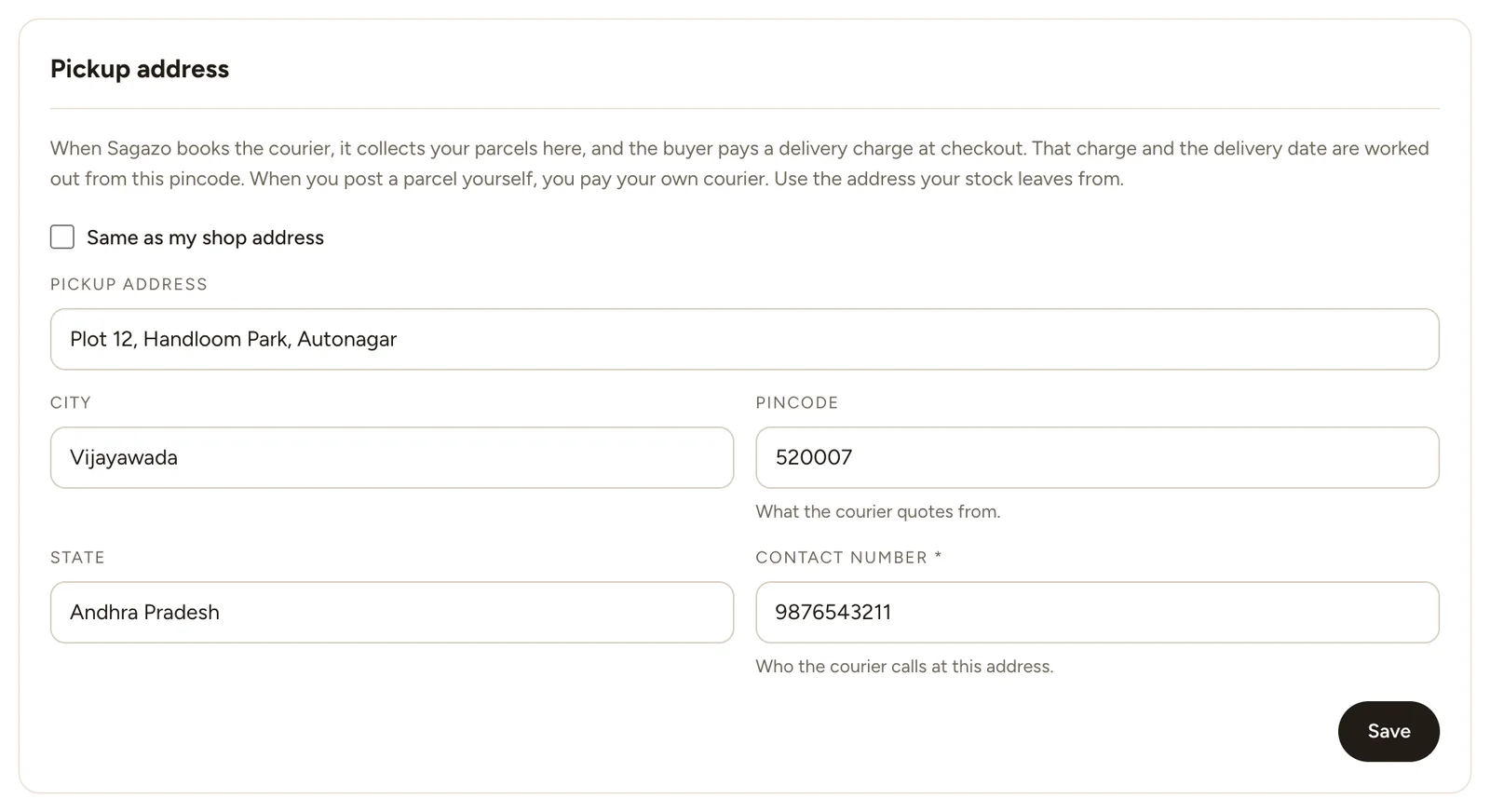
Your pickup address is where parcels leave from. For most shops that is the shop address, and the box Same as my shop address in Settings stays ticked. If your parcels leave from somewhere else, a godown, a workshop, or your home while the shop is elsewhere, untick it and fill in the pickup address.
It matters because the delivery charge a buyer is quoted starts from the pickup pincode. A shop in Jaipur that posts from a warehouse in Delhi would be quoting the wrong distance. When Sagazo books the courier, the buyer pays that charge at checkout; when you post a parcel yourself, the courier is your cost.
Setting it
- Open Settings and find the Pickup address panel.
- Untick Same as my shop address.
- Fill in the address, city, pincode and state.
- Fill in the contact number. This one is required.
- Press Save.
You can also set it when you register the shop.
Why the contact number is required
Every other field falls back to your shop details if you leave it blank. The phone number does not, on purpose. It is the number a courier calls when they come to collect, whether you booked them or Sagazo did. Falling back to the shop's number would send them to someone across town who does not have the parcel. Give the number of the person who will be at the pickup address.
Buyers do not see it
The pickup address is for couriers and for working out delivery charges. It is not shown on your shop page, and neither is your shop address or phone number. What a buyer sees is in your storefront.