When someone places an order, you hear about it in three ways at once, so you do not have to keep checking.
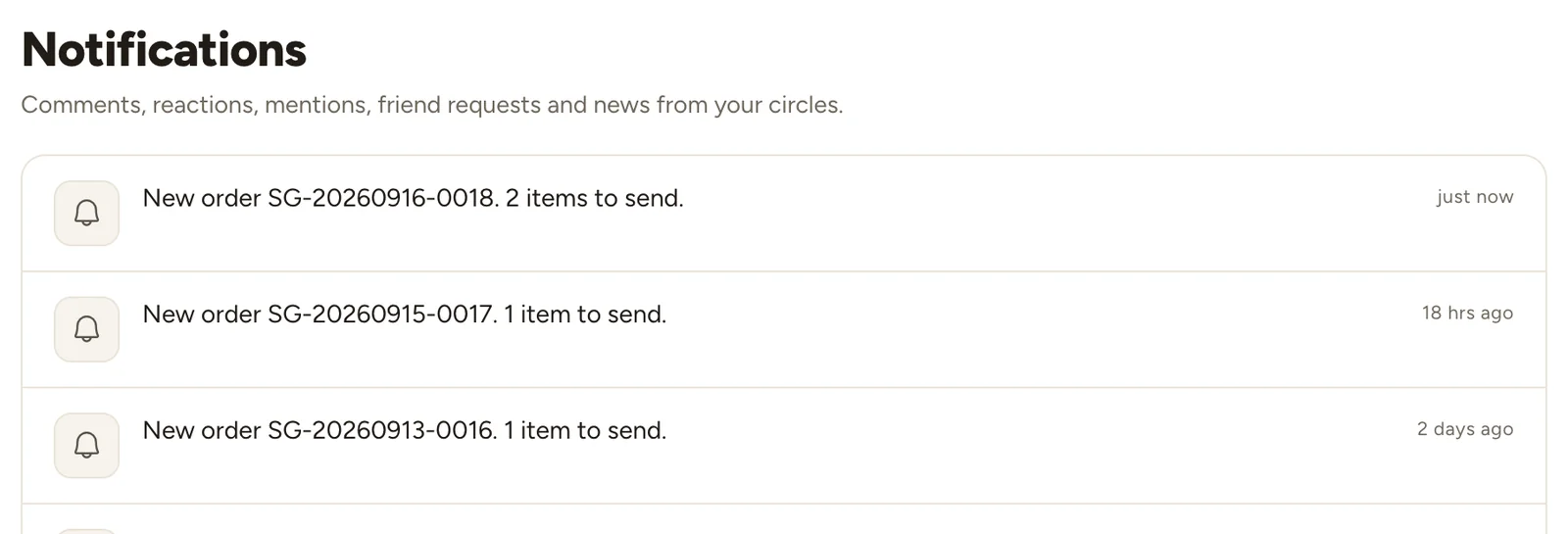
- You get a notification. It says New order, the order number, and how many items there are to send. Three of the same saree count as one item. It is in your notifications on the web and in the Sagazo app, and tapping it opens the order.
- You get a push alert on your phone if you have the app and allowed notifications, and in any browser where you turned on notifications from Sagazo.
- You hear a sound, if your shop console is open in a browser. The Overview and Orders pages play a chime, and the browser tab's title flashes so you notice even if you are on another tab.
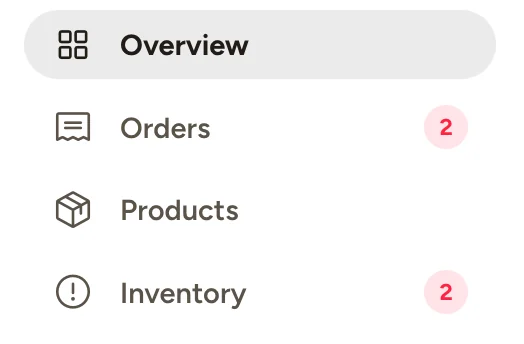
The Orders row in your rail also shows a number: how many orders are waiting to be sent. It updates as orders come in and as you send them.
If you are not hearing the chime
The browser has to allow sound and notifications for sagazo.com, and the console has to be open on the Overview or Orders page. Some browsers block sound until you have clicked somewhere on the page once. The notification and the push alert do not depend on any of that.
What to do with a new order
Open it and send it. See sending an order. The sooner a parcel leaves, the sooner the buyer confirms it.