A product's web address is made from its name. Classic bath and body soap becomes sagazo.com/classic-bath-and-body-soap. It reads well in a WhatsApp message, and it is what Google shows in a search result.
When the name is already taken
Two shops can sell a product with the same name, but two pages cannot have the same address. If the address made from your product's name is already in use, your shop's name is added to the end: sagazo.com/classic-bath-and-body-soap-anjali-drapes. The same happens if the name matches a page Sagazo already has, such as a category. In the rare case that even that is taken, a short code is added instead.
You do not choose the address and you cannot edit it. It is set when you add the product.
Renaming a product
Changing the name later does not change the address. That is on purpose: a link you already sent to a customer, or that Google has already listed, keeps working. If you need a product at a new address, add it again as a new product and mark the old one out of stock.
Finding a product's link
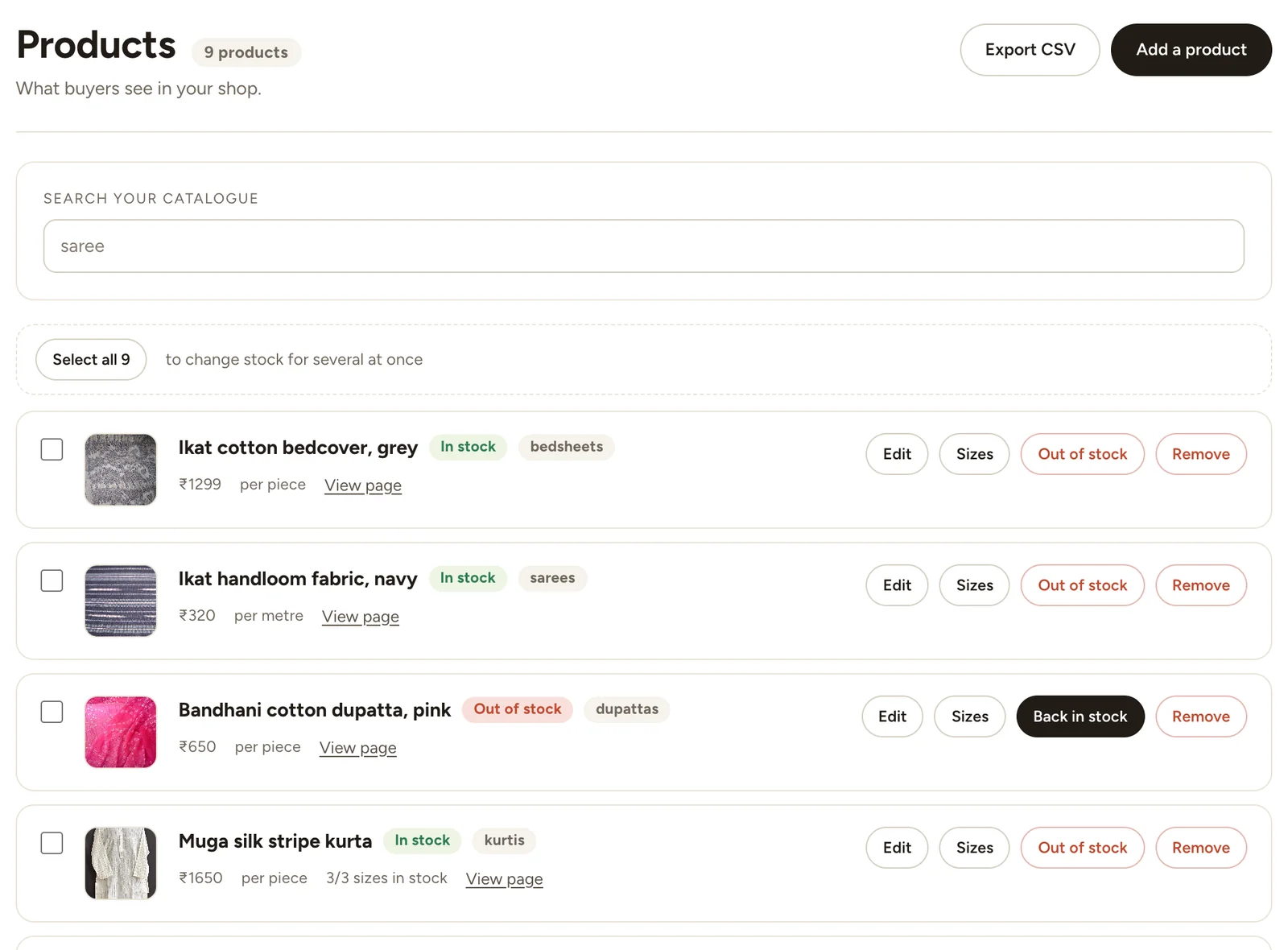
On the Products page, View page next to a product opens it in a new tab. Copy the address from your browser's address bar. Your shop page has a Share button that sends the shop link, if you would rather send the whole shop.