Every shop on Sagazo has its own link, in the form sagazo.com/shop/your-shop-name. It is your storefront: your name, your products and a page anyone can open without an account. You get it the moment you register, and it does not change.
Where to find it
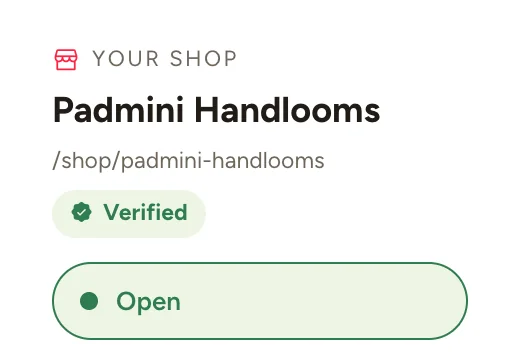
Open your shop console at /my-shop. The link is printed under your shop name at the top of the rail on the left. Tap it to open your shop page exactly as a buyer sees it, or use View public page at the bottom of the rail. On a phone the rail is hidden, so use View public page at the top of the Storefront page instead.
Each product has a link of its own too, which is sagazo.com followed by the product name. On the Products page, View page next to a product opens it. How your product's web address is chosen explains where that name comes from.
Sending it to customers
Copy the link from the address bar of your browser and paste it wherever your customers already are. On WhatsApp, a link to your shop page shows a preview with your banner and name. The same link works in an Instagram bio, a Facebook page, a visiting card or a sticker on the parcel.
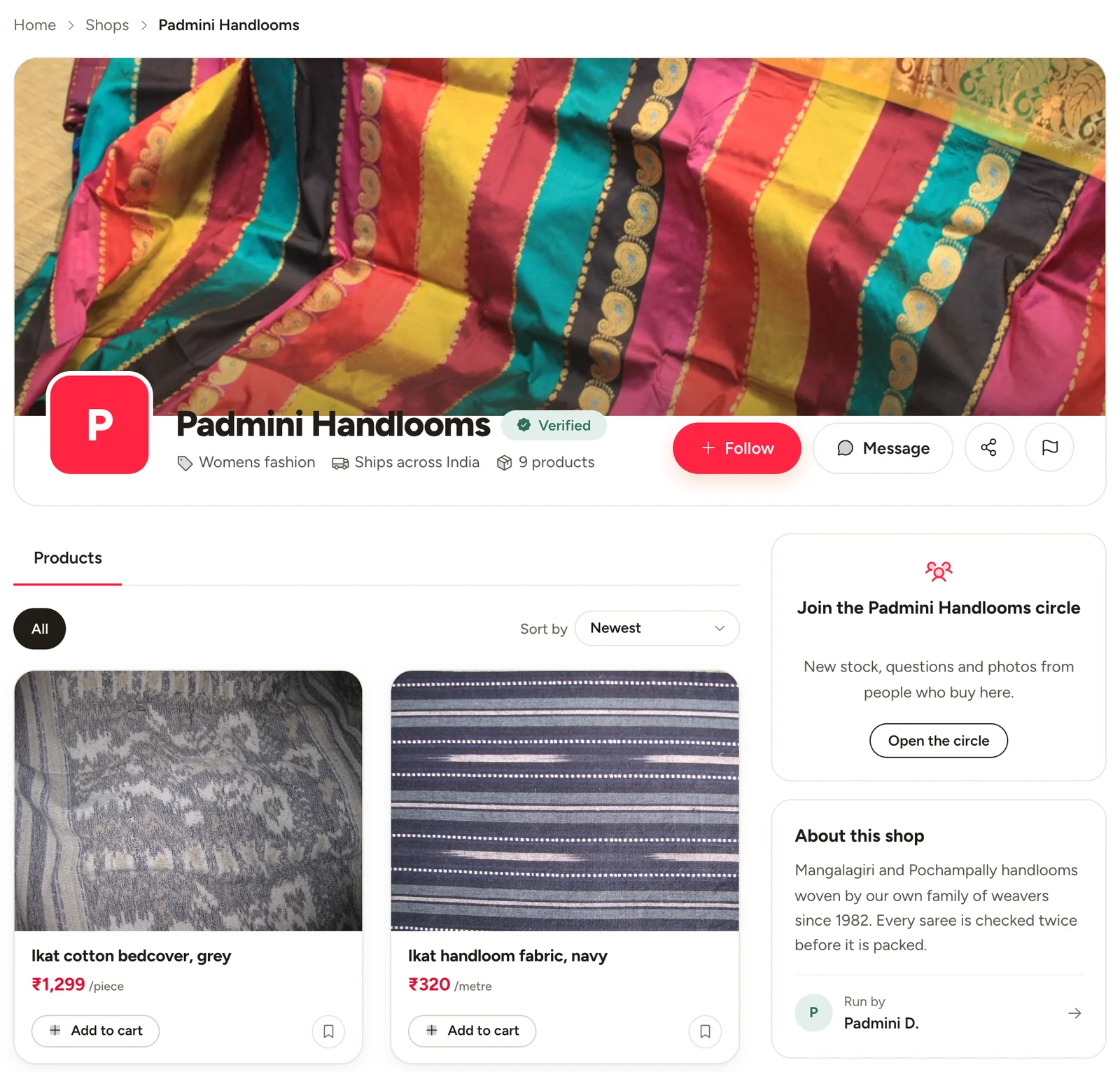
If a customer asks for one item, send the product link rather than the shop link. It opens straight on that product, with the price and the Add to cart button.
Changing the name
Your shop name comes from the business name you registered with, and you can change the name in Settings. The link itself stays as it was, so anything you have already printed or posted keeps working.