The home page has three tabs at the top, Trending, Latest and Following. Trending shows public posts from people all over India, with products from shops mixed in. Latest shows the same posts, newest first, with no products. Following shows only posts from people you follow and from circles you are a member of.
On the website, the home page is Discover in the menu, and Home in the bar at the bottom of a phone screen. In the app, it is the Home tab, which has Trending and Following.
How Trending is ordered
Trending is not in time order. A new post starts near the top. After that, reactions and comments keep it up, and a comment counts for more than a reaction. A post that gets neither moves down as it gets older.
Posts in circles, product posts and other posts are all ranked the same way. All the reactions count the same.
Products from shops are mixed in, about 3 for every 7 posts. They are products in stock, and the ones with the most reactions come first.
We can also show fewer of one person's posts on Trending and Latest, and none among the first posts that load. Their posts still show on their profile, in Following, in their circles and at their links, and they aren't sent a notice.
How Latest is ordered
Latest is in time order. The newest post comes first, and reactions and comments don't move a post up or down. It shows the same posts as Trending, with no products in between. You don't need to be logged in to see it.
What Trending and Latest leave out
Trending and Latest show public posts. They leave out:
- posts set to Only me, even for the person who wrote them
- posts in a private circle, except for the circle's members
- posts waiting for our team to check them
- posts by people you blocked, or who blocked you
- posts you reported
We can also keep a post off Trending and Latest without removing it. It stays on its author's profile, in Following, in its circle and at its link, and its author isn't sent a notice.
What Following shows
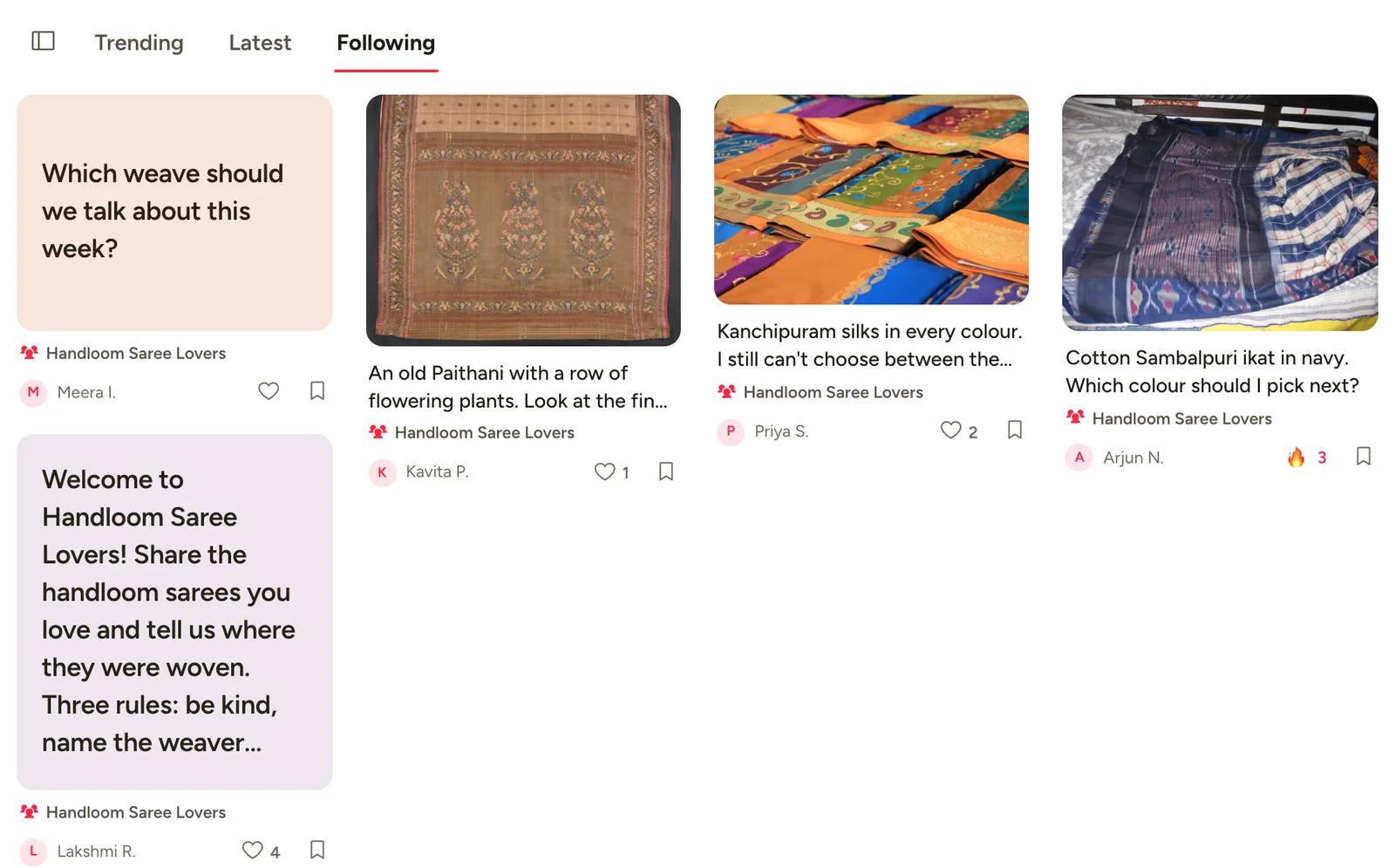
Following shows posts from people you follow and from circles you are a member of. A request to join a circle counts only once it is approved. The newest posts come first, and there are no products in between.
Following a shop doesn't bring its posts here. To see a shop's posts in Following, follow the person who runs it: their name is under Run by on the shop's page. See Following people and shops.
Muting a circle doesn't take its posts out of Following. It only stops the circle's daily update.
You need to be logged in to see Following. Until there is something to show, it says "Find people on Trending, or join a circle." Press See Trending to go back, or open Circles to find one to join.